








Accepted Payment Methods
Accepted Payment Methods
Accepted Payment Methods



How It Works
How It Works
How It Works
Open Kuata
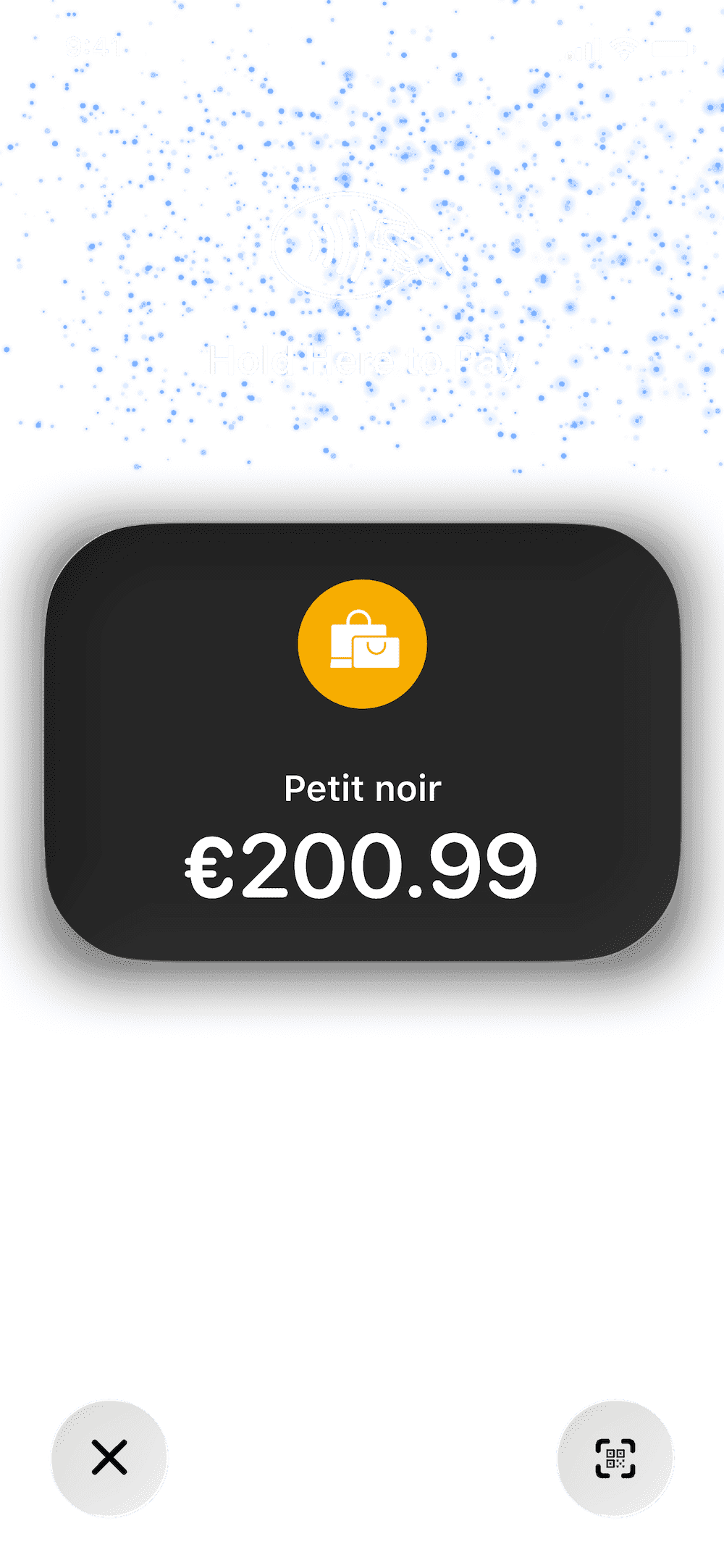
Navigate to Tap to Pay. Enter the payment amount. Add a note if needed.
Customer Taps
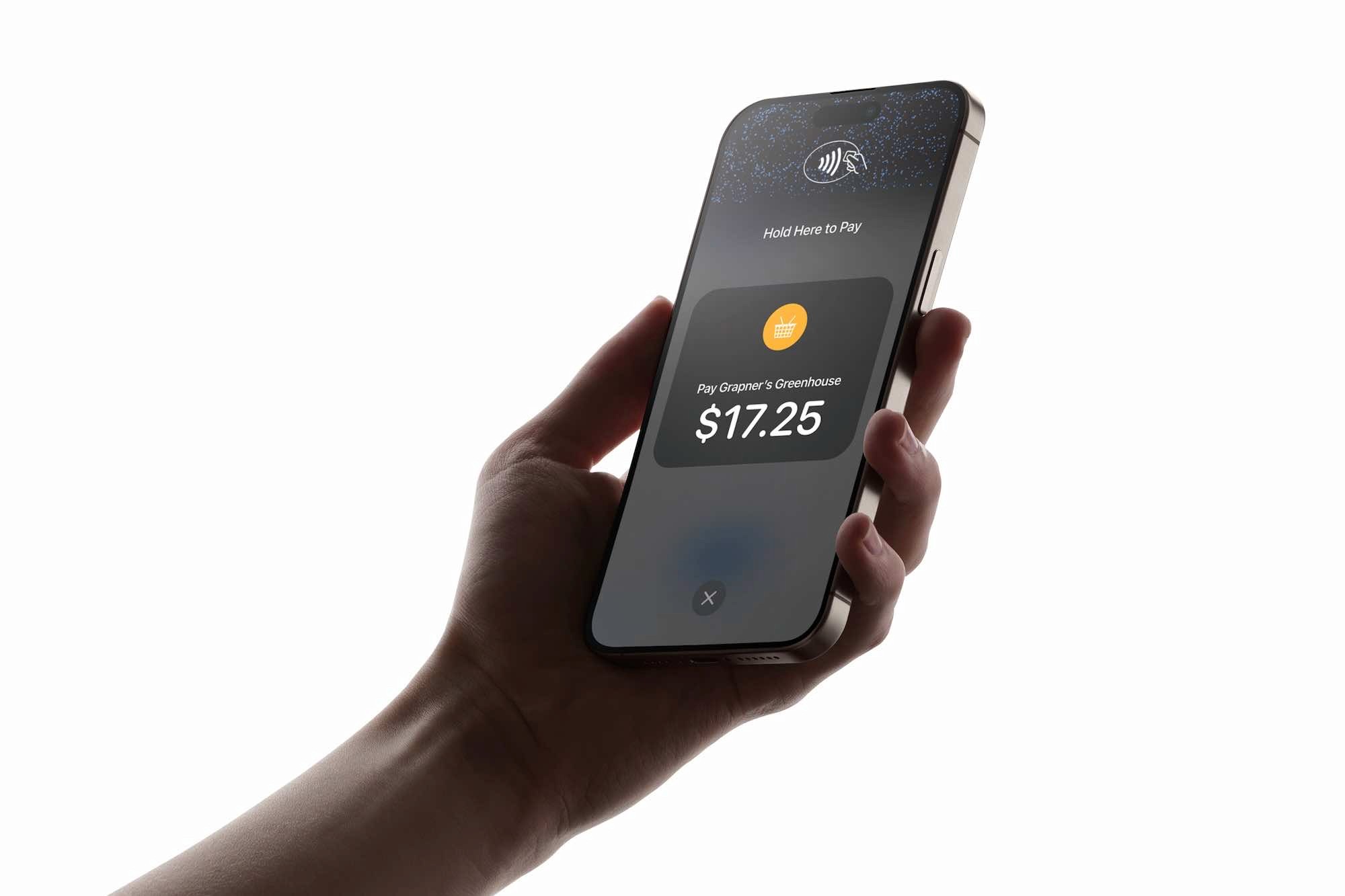
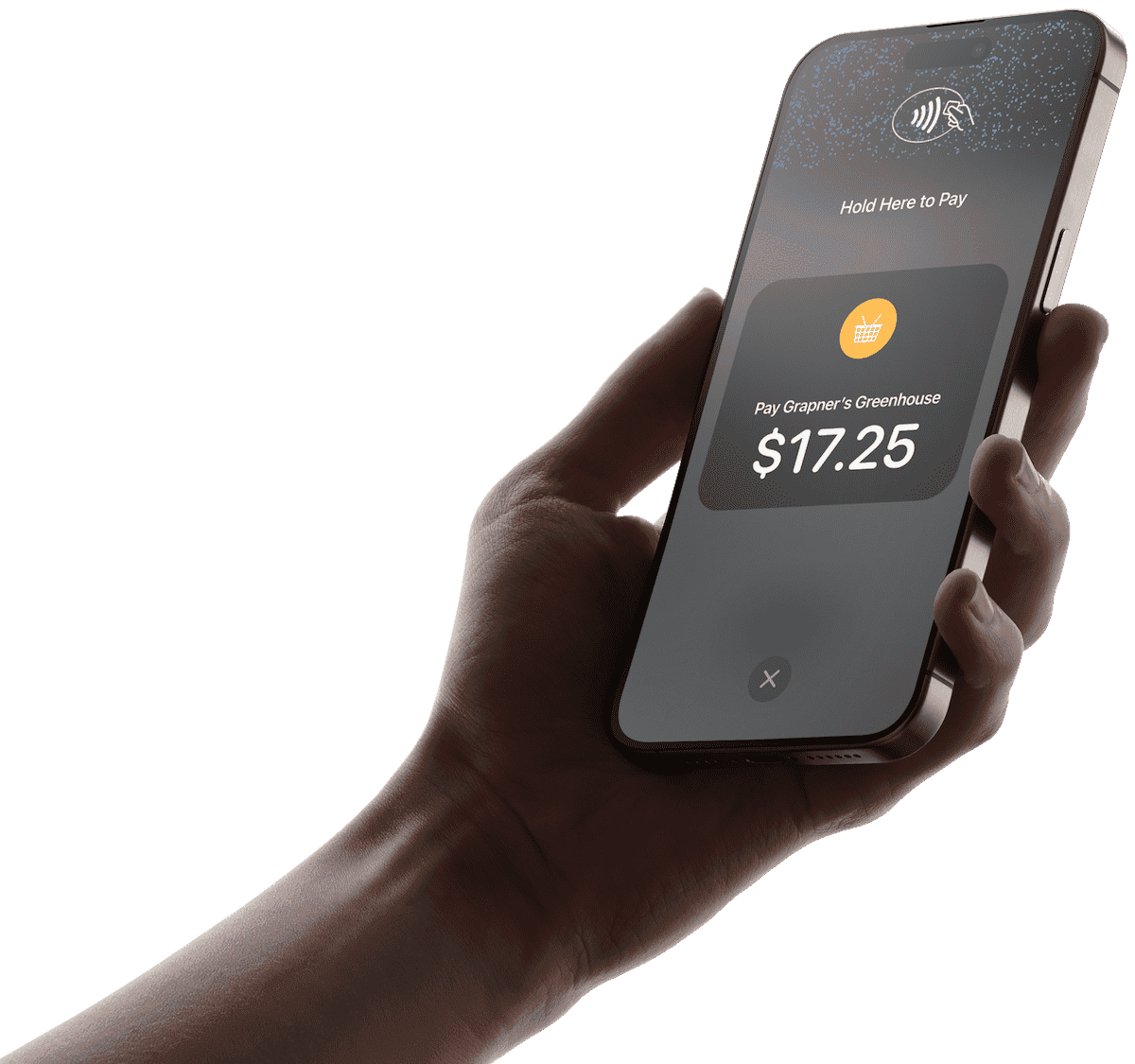
Hold your phone toward the customer. They tap their card, Apple Pay, or Google Pay. Done in seconds.
Payment Confirmed
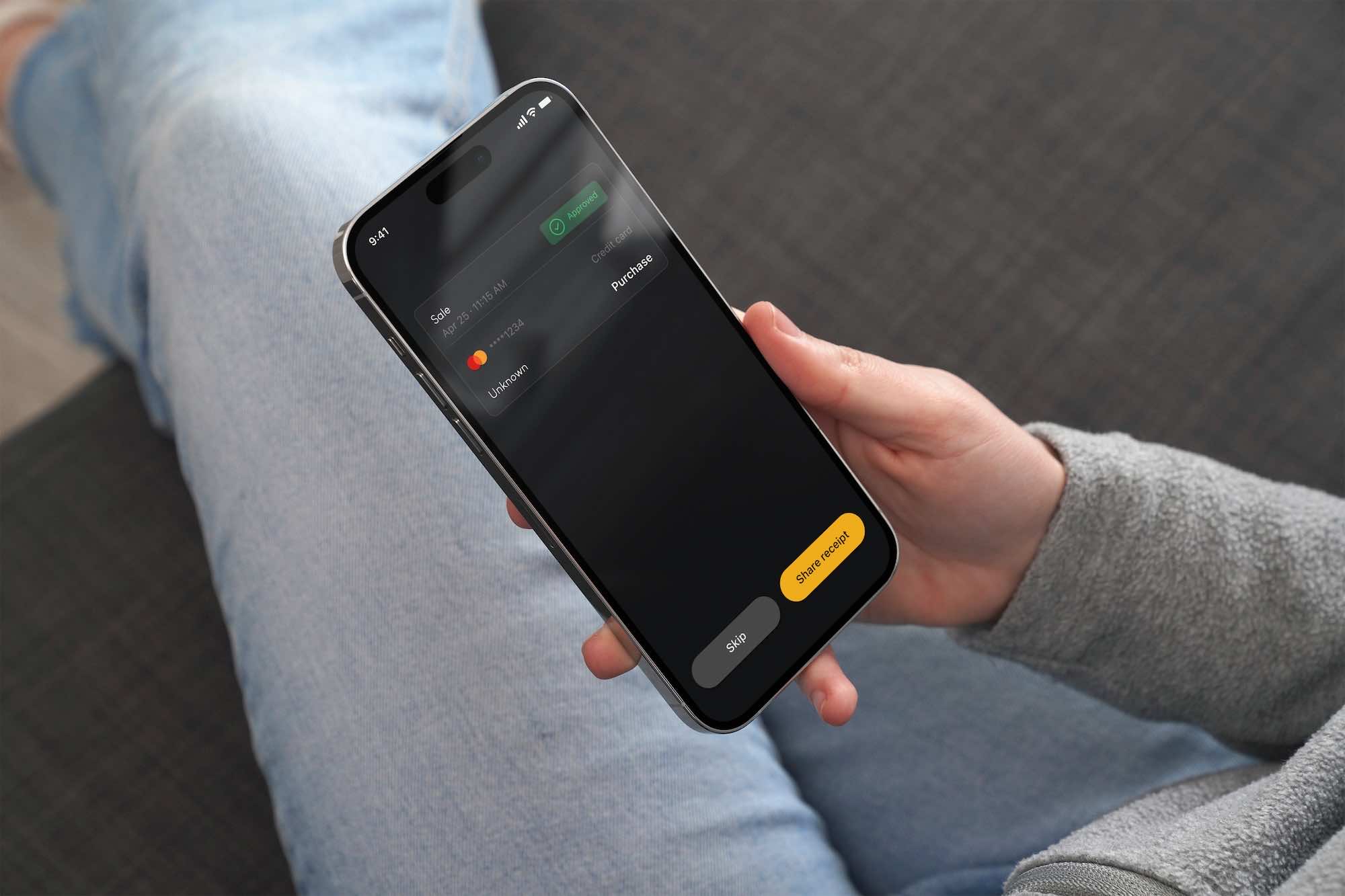
Transaction confirmed instantly. Receipt sent automatically. Funds on their way to your account.
Open Kuata
Navigate to Tap to Pay. Enter the payment amount. Add a note if needed.
Customer Taps
Hold your phone toward the customer. They tap their card, Apple Pay, or Google Pay. Done in seconds.
Payment Confirmed
Transaction confirmed instantly. Receipt sent automatically. Funds on their way to your account.
Get paid with what's in your pocket.
Get paid with what's in your pocket.




Leave the card reader behind
Leave the card reader behind
Pay only when you get paid.
Pay only when you get paid.



In case you missed anything.
In case you missed anything.
What do I need to start accepting payments with Kuata Tap to Pay?
Which payment methods are accepted?
Is there a transaction limit?
How quickly do I receive my funds?
Is Kuata Tap to Pay secure?
What do I need to start accepting payments with Kuata Tap to Pay?
Which payment methods are accepted?
Is there a transaction limit?
How quickly do I receive my funds?
Is Kuata Tap to Pay secure?
Download Kuata. Get paid instantly.
Download Kuata. Get paid instantly.
Scan the QR code to download the app and turn your iPhone or Android into a payment terminal in minutes. Free to download. Free to set up. Ready when you are.
Download Kuata. Get paid instantly.
Scan the QR code to download the app and turn your iPhone or Android into a payment terminal in minutes. Free to download. Free to set up. Ready when you are.